
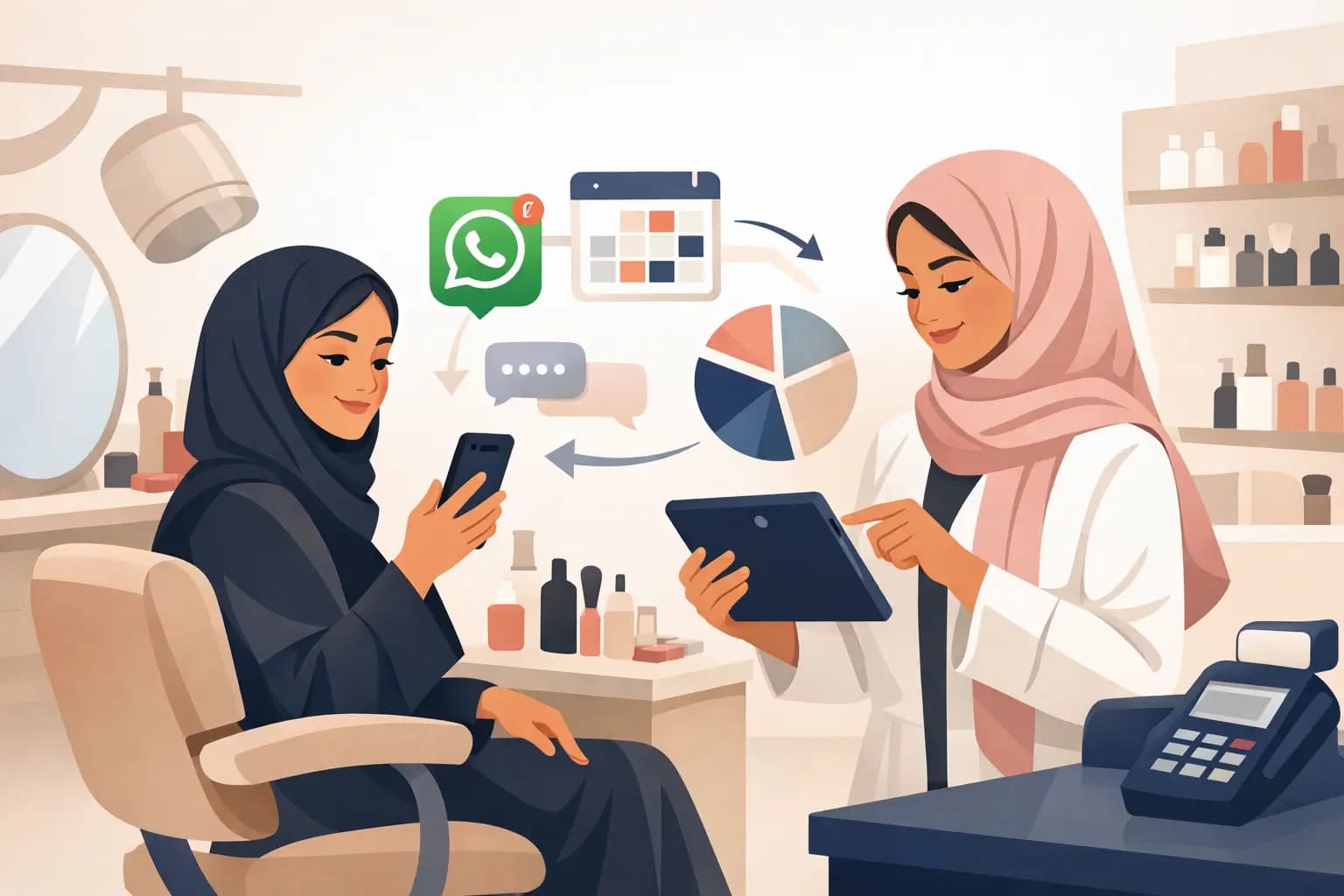
Plan a salon WhatsApp campaign with a relevant audience, clear message and booking link. Evaluate completed visits alongside replies and clicks.
Start with a relevant reason to contact customers
Choose a specific service or customer need and explain why the audience is relevant. A number in the customer database is not by itself a reason to include it. Review marketing permission, opt-outs and current WhatsApp channel requirements before sending. Treat appointment updates and promotional campaigns separately.
Check capacity before promoting an offer
Review appointments, staff and resources needed for the promoted service. For a package with choices, explain selections, price, conditions and changes. Start with an audience your team can follow up. More messages do not solve limited availability or an unclear offer.
Give the message one clear next step
A draft to adapt: “Hi [name], here are the details of [service] at [branch], priced at [price]. View appointments: [link]. Tell us if you prefer not to receive offers.” Review the applicable template and offer conditions before use. This example is not an approved WhatsApp template.
Assign someone to handle replies
Decide who answers questions and checks bookings. Toptalla’s embedded WhatsApp gives staff customer context; the AI booking agent is a separate workflow with its own setup to review. Producing a customer list with the AI assistant does not automatically send a campaign or establish marketing permission.
Evaluate visits and cost
Record campaign and discount costs, bookings, cancellations and completed visits. Define attribution before launch rather than crediting every later visit to the message. In a demo, follow the audience-to-booking journey and confirm channel charges, templates and tracking setup.