
Salon POS terminal integration with TopPay
Send the amount to the terminal and follow the result
TopPay connects the payment terminal to checkout, reducing manual amount entry and linking the payment result to the invoice. Review supported hardware, activation and charges for your business.
Payment linked to the visit
- Service amount
- SAR 200
- Recorded advance payment
- SAR 50
- Remaining amount
- SAR 150
Explain payment and cancellation terms before confirmation
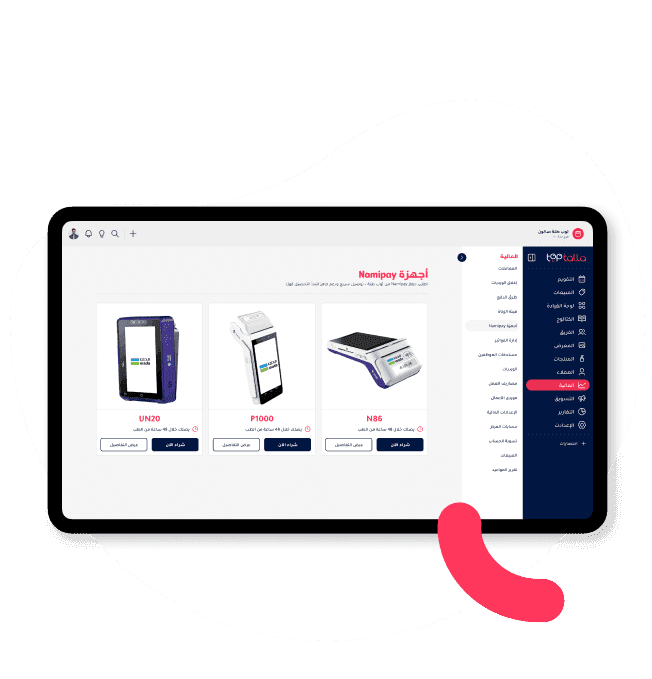
Connect TopPay to your checkout
Connect the terminal to the invoice flow in Toptalla. Staff start payment from the system instead of typing the amount into the terminal again.
- Amount taken from the invoice
- Payment result returned to Toptalla
- Activation, terminal and fees follow your agreement
Payment linked to the visit
- Service amount
- SAR 200
- Recorded advance payment
- SAR 50
- Remaining amount
- SAR 150
Explain payment and cancellation terms before confirmation
Send the amount, receive the result
Choose TopPay on the invoice and let the customer pay at the terminal. The result returns to the system so staff know whether payment completed or needs attention.
- Send the amount without retyping
- Customer pays at the terminal
- Transaction result beside the invoice
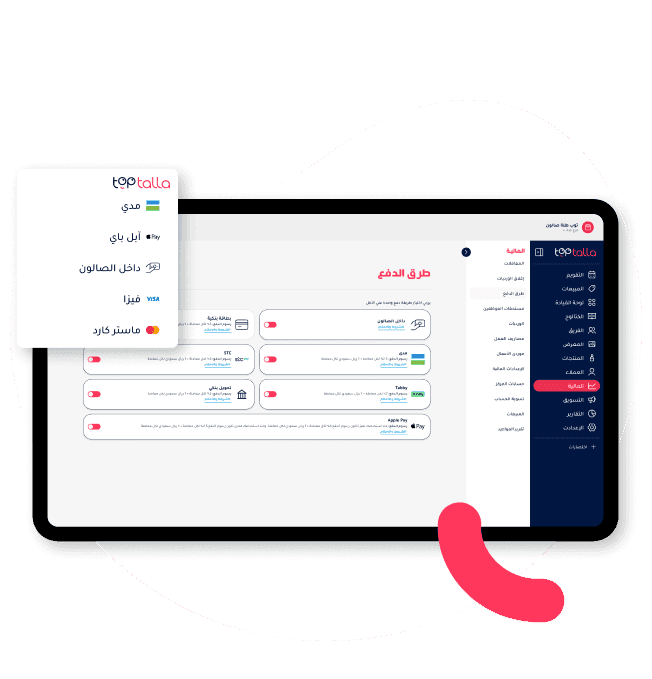
Make collections easier to reconcile
Review connected invoice, collection and terminal records. Terminal and service fees are separate items explained with your plan.
- Invoices connected to payments
- Follow transactions needing attention
- Itemised fees in your quote
Questions before getting started
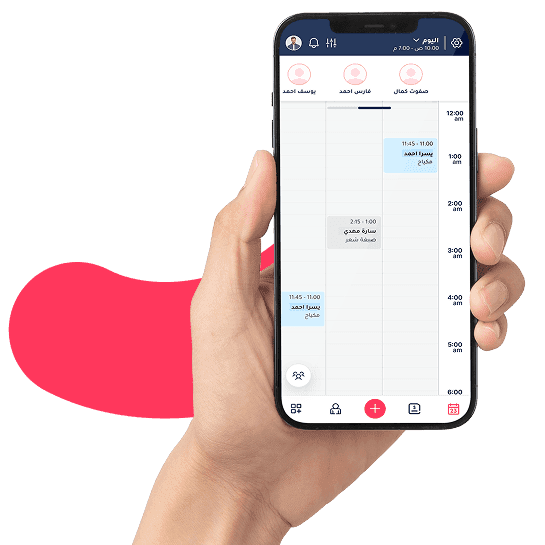
See Toptalla with your own workflow
Try for 14 days with free onboarding and data migration. Review your services, team and available data with us before the move.