
Online payments for salon bookings
Online Payments & Payment Links for Salons
Use an advance payment, full payment or payment link as appropriate and follow the result in the system. Online payments are separate from in-person terminal integration through TopPay.
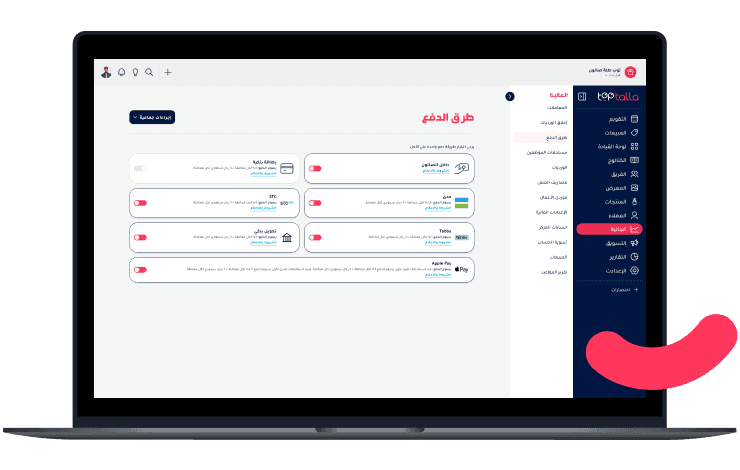
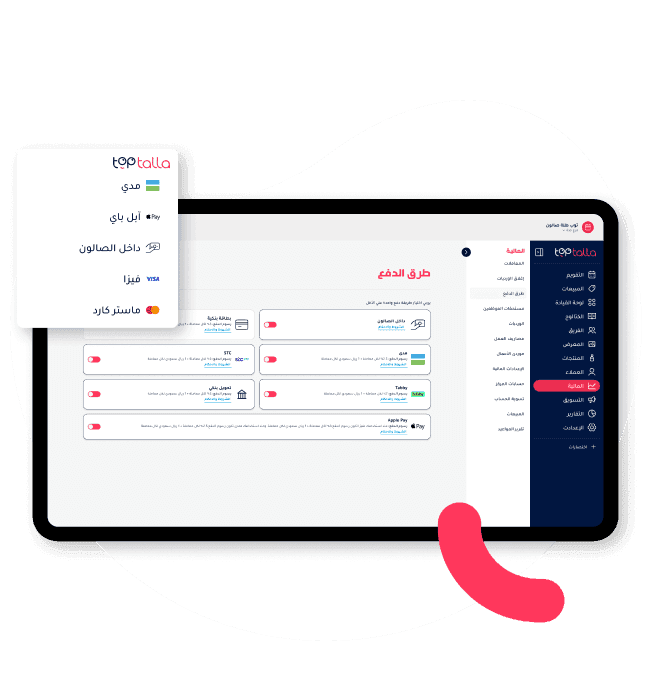
Payment methods your customers recognise
Accept the payment methods available in your business payment setup. Transaction results stay connected to the invoice for easier follow-up.
- Mada, Visa, Mastercard and Apple Pay, subject to activation
- Payment status linked to the invoice
- Processing fees and settlement follow your agreement
Payment linked to the visit
- Service amount
- SAR 200
- Recorded advance payment
- SAR 50
- Remaining amount
- SAR 150
Explain payment and cancellation terms before confirmation
From a payment link to a clear invoice status
Create a payment link, share it with the customer and follow the result on the invoice. Reception and accounting use the payment record instead of forwarding transfer screenshots and waiting for the owner to confirm receipt.
- A link connected to the requested amount
- Recorded payment status supports collection follow-up
- Distinguish online payment from transfers requiring reconciliation
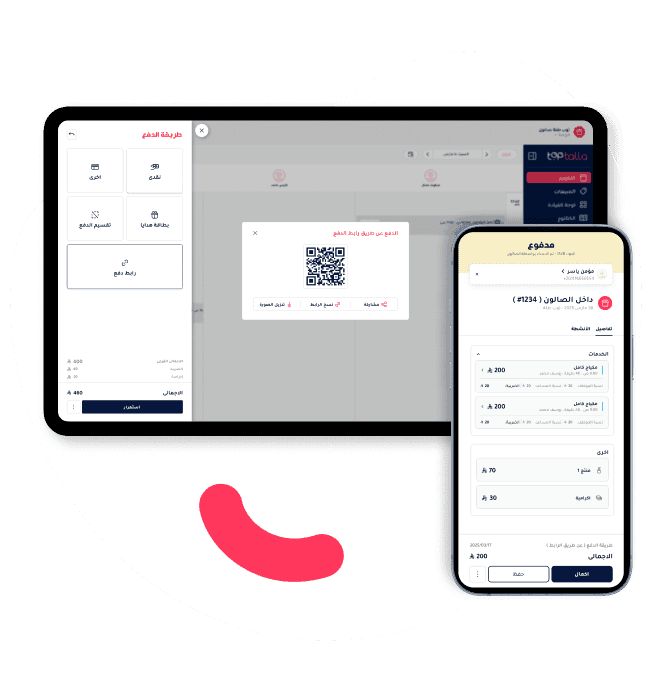
SandSpa: payment follow-up without a transfer group
The team used to collect transfer screenshots in a WhatsApp group, wait for the owner to check the bank, then confirm receipt. Connected payment links brought payment-status follow-up into the workflow, with fewer manual handoffs between reception and the owner.
- Online payments started with gift cards and expanded
- The business moved from optional to required payment in its booking journey
- A clearer payment record instead of scattered chat confirmations
Find the right next step for your salon
Salon payment-link and deposit questions
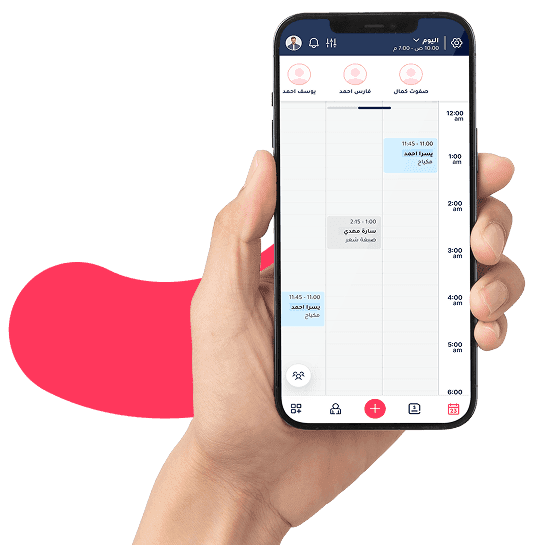
See Toptalla with your own workflow
Try for 14 days with free onboarding and data migration. Review your services, team and available data with us before the move.