
Salon promotion rules and conditions
Set the offer rules and let the system apply them
Define eligible services, dates and redemption conditions, then follow the offer into bookings and invoices. Clear rules help reception apply the intended price consistently.
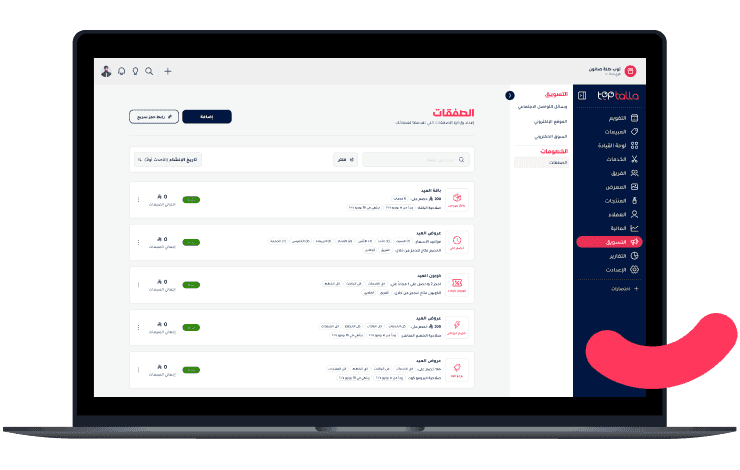
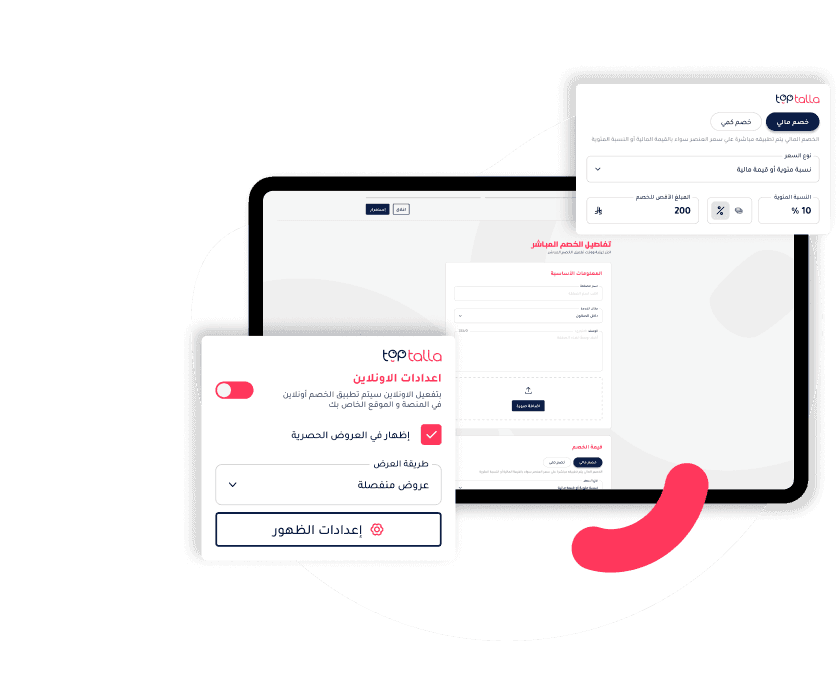
Define the promotion window and eligible services
- Set the start, end and promotion terms
- Highlight empty hours or low-demand days
- Display the terms through enabled booking channels
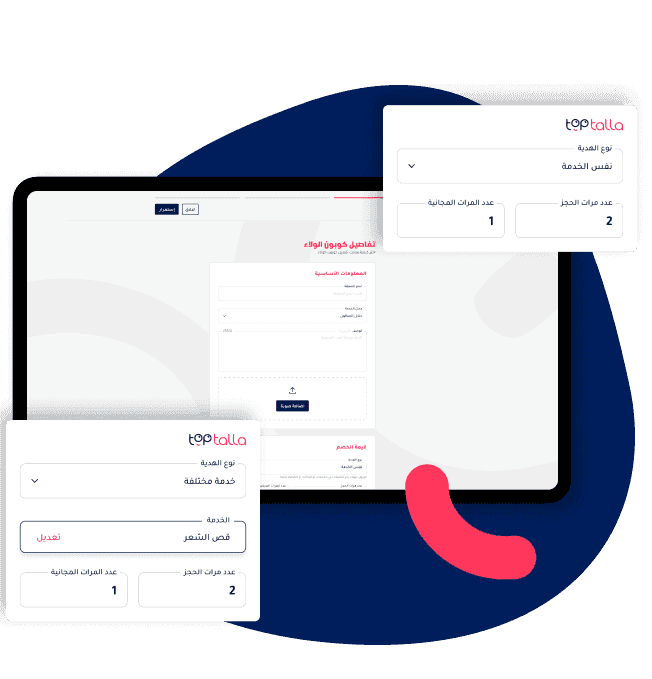
Loyalty Coupons
- Set "Buy X, Get Y" rules
- Review reward configuration and delivery channel before activation
- Follow reward redemption in customer records
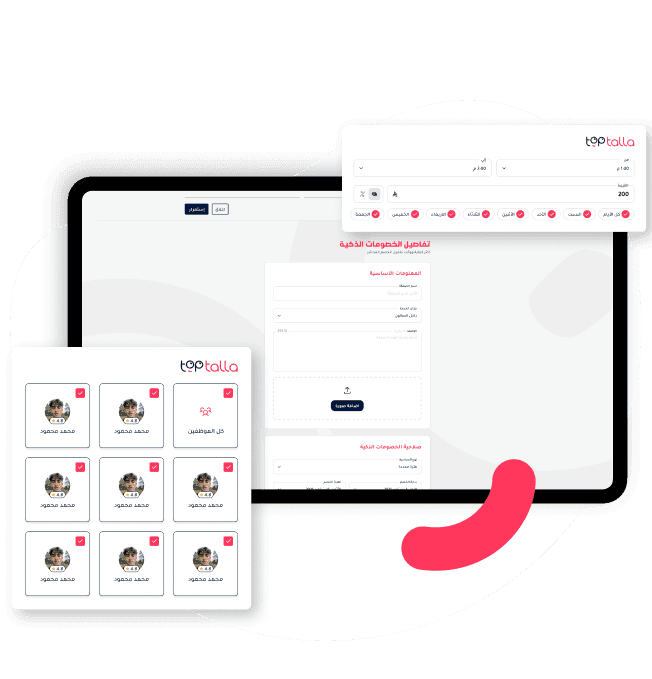
Run the offer in your chosen window
Set eligible days, times and services. Focus the promotion on the booking window you choose instead of discounting every appointment.
- Defined days and hours
- Selected services and categories
- Clear terms for customers and staff
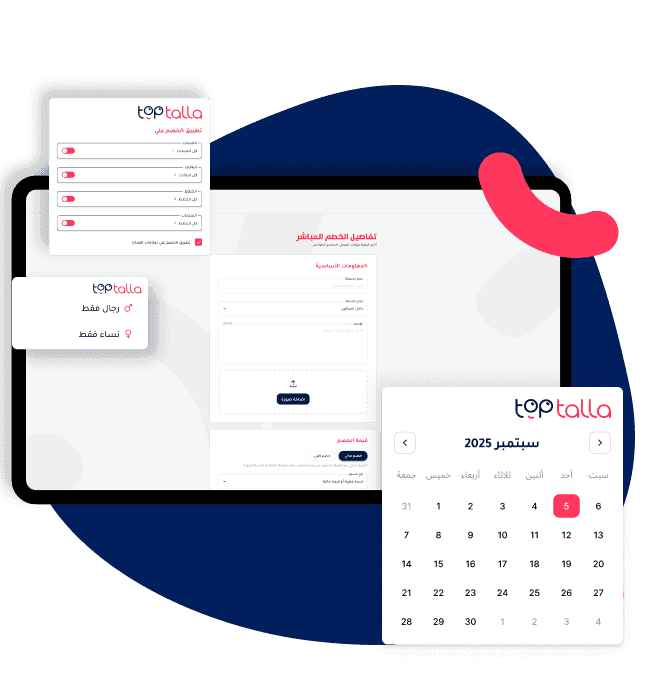
Flexible Rules, Full Control
- Target specific services or categories
- Limit by time, date, day, gender, or staff
- Combine multiple rules (e.g., "Only on Mondays, for facials, with Layla")
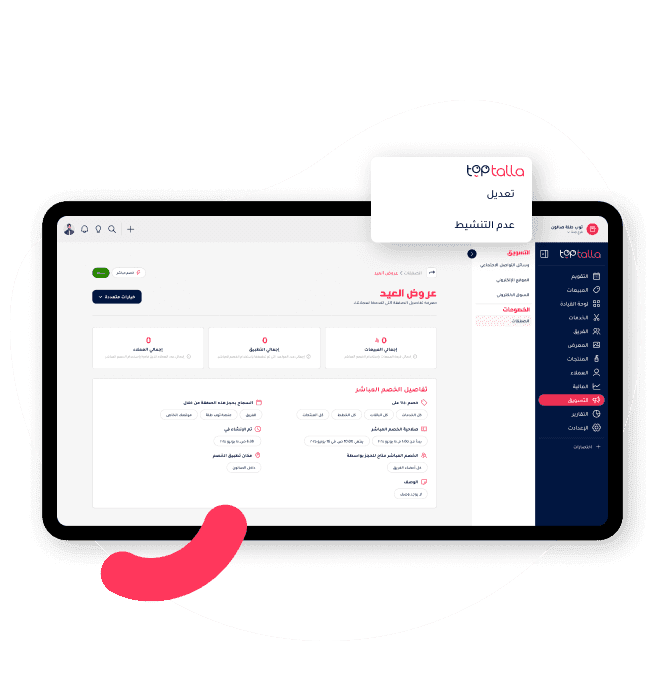
Measurable Impact
- See how many bookings came from each offer
- Track coupon redemption and associated sales
- Adjust or pause rules any time
Questions before getting started
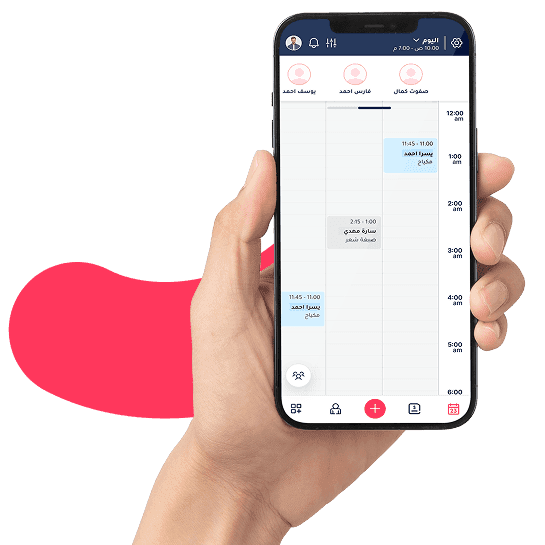
See Toptalla with your own workflow
Try for 14 days with free onboarding and data migration. Review your services, team and available data with us before the move.